← Notion templates
Free Notion template · Service operations

Notion Service Business Operations & SOP Template

For service teams where the task says “blocked”, the reason lives in Slack, the decision lives in meeting notes and the SOP is hiding somewhere in Notion pretending this is all perfectly normal.

The task stays connected to the context needed to finish it. The team does not have to rebuild the project every time something changes.
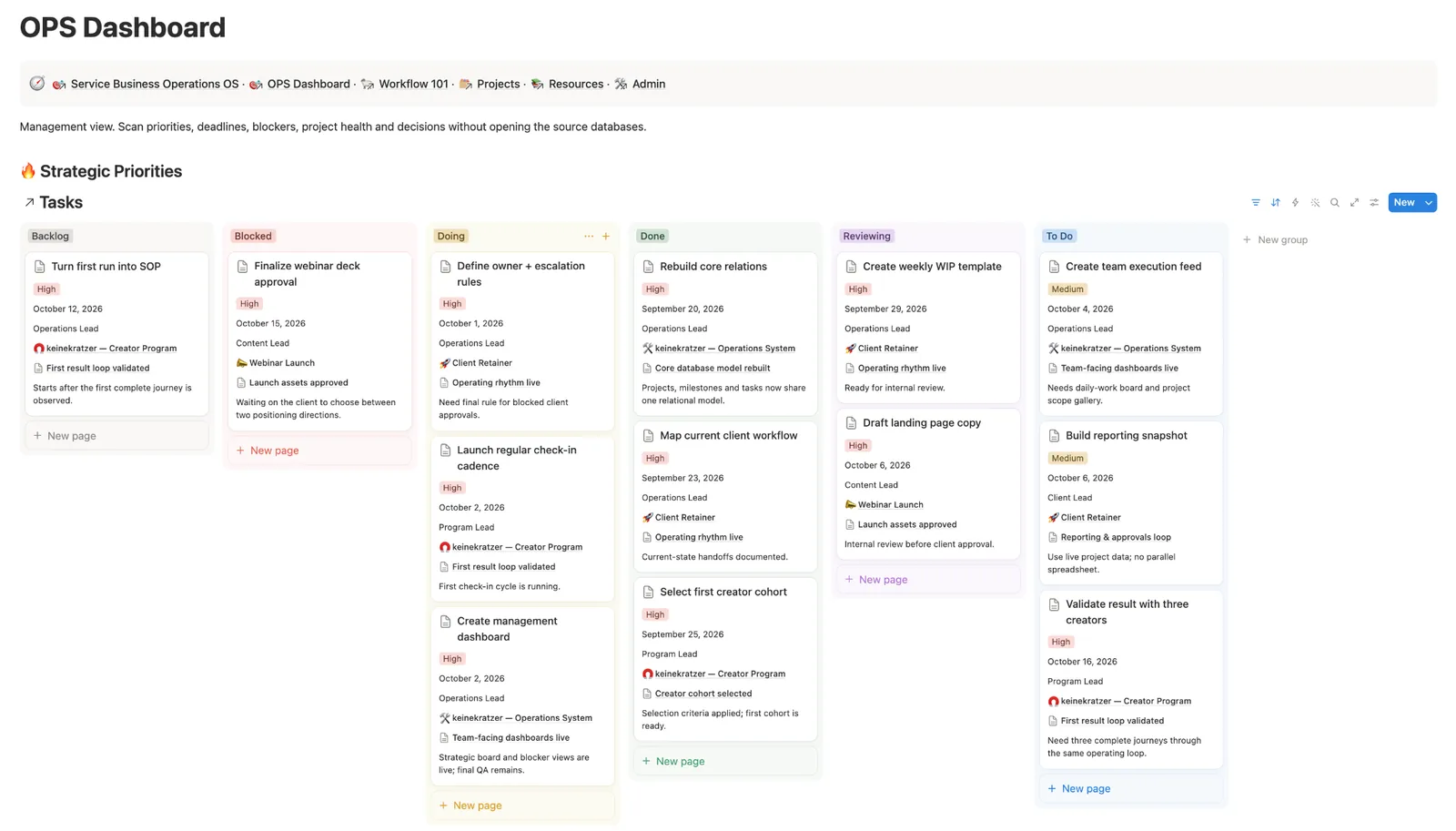
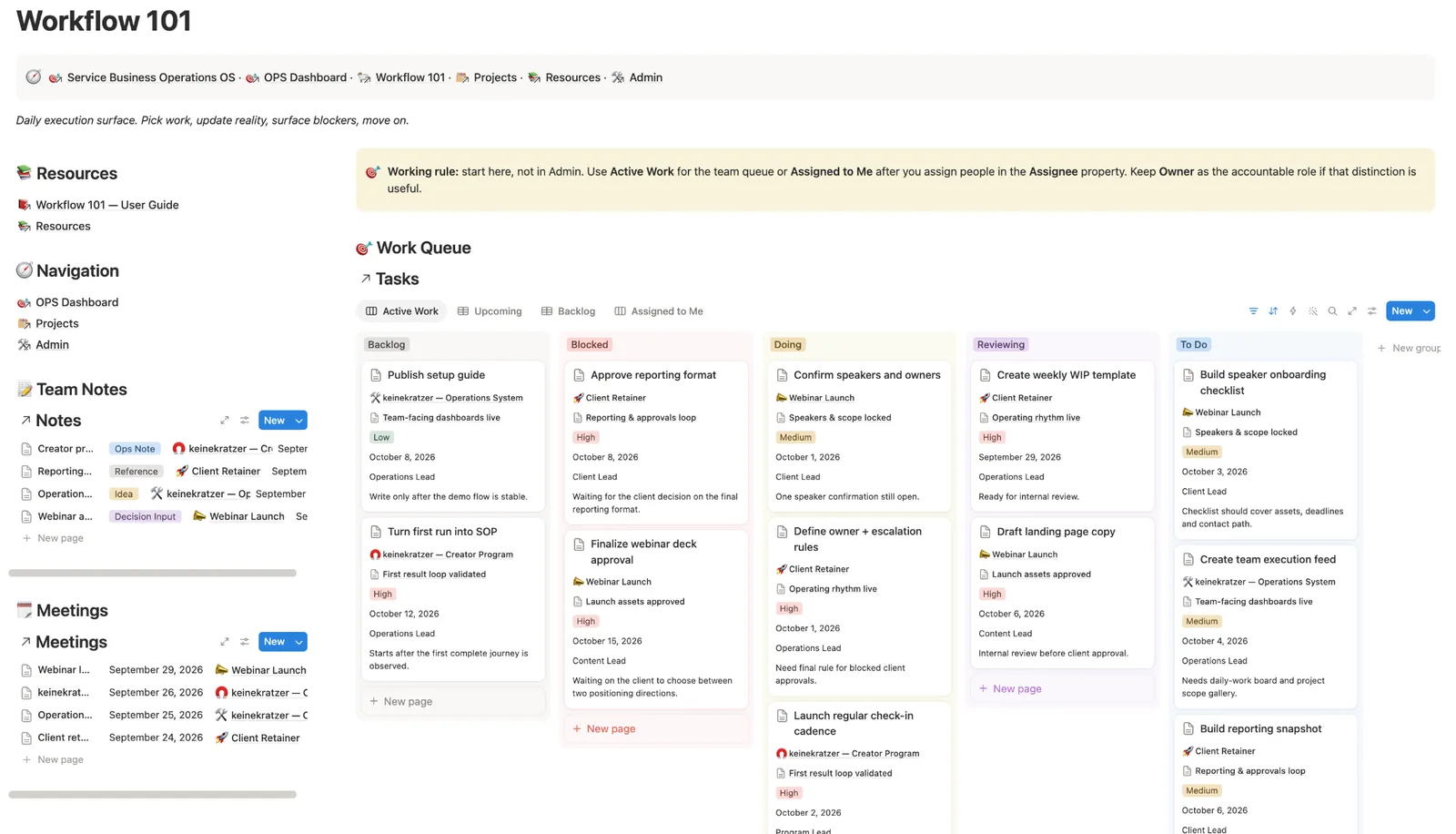
Service Business Operations dashboard with priorities, blockers and active work
Service Business Workflow 101 board with active tasks and team notes
What is inside

Each task has the decisions and instructions needed to do it

Projects & milestonesEvery task has a clear place in the project.
Tasks & blockersActive work and the thing preventing it from moving stay visible together.
Decisions & meetingsMaterial choices and meeting context can stay attached to the work they changed.
SOPs & resourcesReusable process knowledge sits close enough to the work to be found when it matters.
How to use it

Put one real project through it first.

1. Follow the sample projectSee how milestones, tasks, blockers, decisions and SOPs stay connected to the same project.
2. Add one real projectAdd one project. Give it an owner and the next work that needs to happen.
3. Replace the sample dataOnce the flow makes sense, remove the Demo records and keep the structure for your actual work.
Who it is for

Service teams handing projects between people

Professional services

Keep delivery work and its context together.

Remote teams

Reduce the project reconstruction that happens in chat before somebody can understand what to do next.

Operations cleanup

Bring the task list and the decisions back together. Keep the SOP close to the work.

Questions

Before you use the operations template

Is this a task-manager replacement?

It can replace a light task setup. The useful part is the context around the task. It is the relationship between projects, blockers, decisions, meetings and SOPs.

Can this work with ClickUp, Asana or another tool?

Yes. A custom implementation does not have to force every workflow into Notion. The structure can be adapted to the tools the team uses.

Can you migrate and clean up an existing workspace?

Yes. A custom setup can include cleanup and migration. The goal is a system your team can use.

For your team

If the task needs a Slack search to make sense, it is not really documented.

Send me a project from the tools your team uses. I’ll organise the tasks, put the decisions and instructions with the work, and set up who takes it next.